Now that you understand the host registration process, it’s worth exploring the other path BoloUp offers: becoming an agent. If going live doesn’t appeal to you, the agent role might be a much better match. Combined with how easy the BoloUp agency registration process is, you can start right away!
Agents work in the background, focusing on recruiting talented hosts and building a strong team rather than streaming themselves. If you have a knack for recognizing potential and enjoy mentoring and managing others, you already have what it takes to thrive as a BoloUp agent.
How to Register as a BoloUp Agent: Step by Step
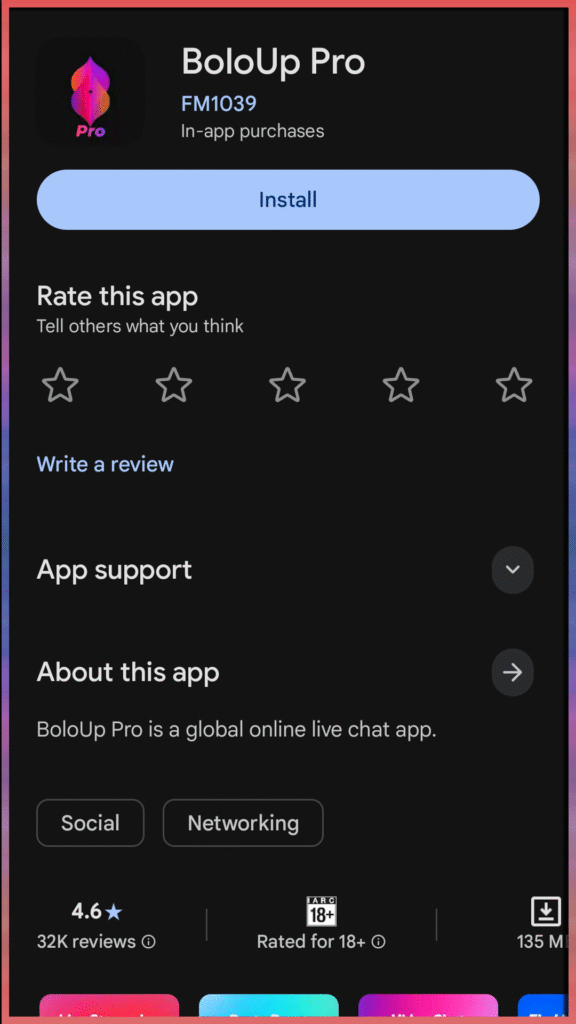
Step 1: Install the App
Download BoloUp Live from your device’s app store, then open the app once installation is complete.
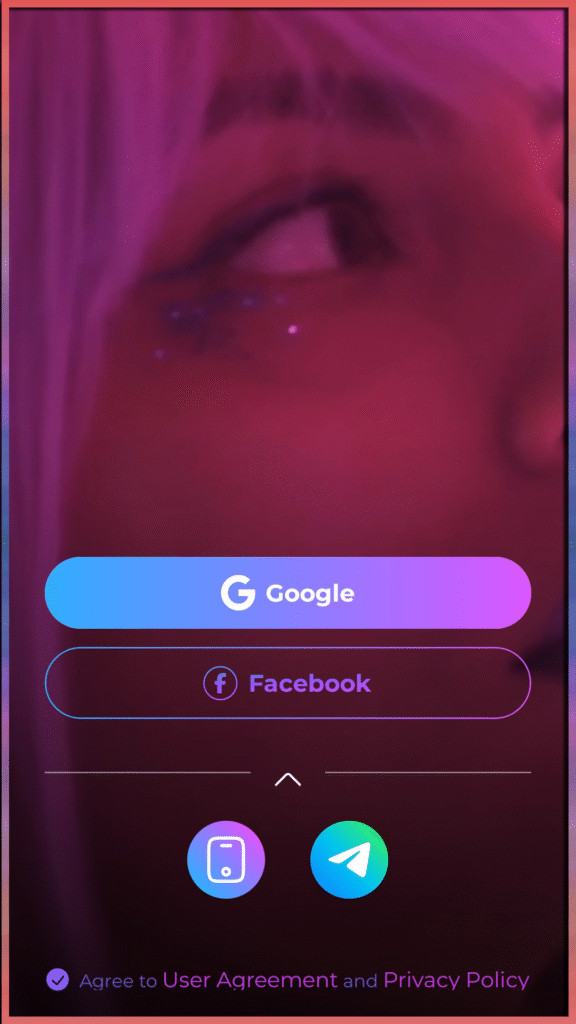
Step 2: Set Up Your BoloUp Account
After opening the app, you’ll be guided through account creation. Sign in using Google, Facebook, Telegram, or your phone number. Fill out your basic profile details to get started. Use a nickname rather than your real name.
Step 3: Complete the Face Verification
From your profile, find and open the ‘Authentication Center’. This is the identity verification section where you’ll be guided through recording yourself following on-screen instructions. Make sure your front camera is working and that you’re in a well-lit environment.
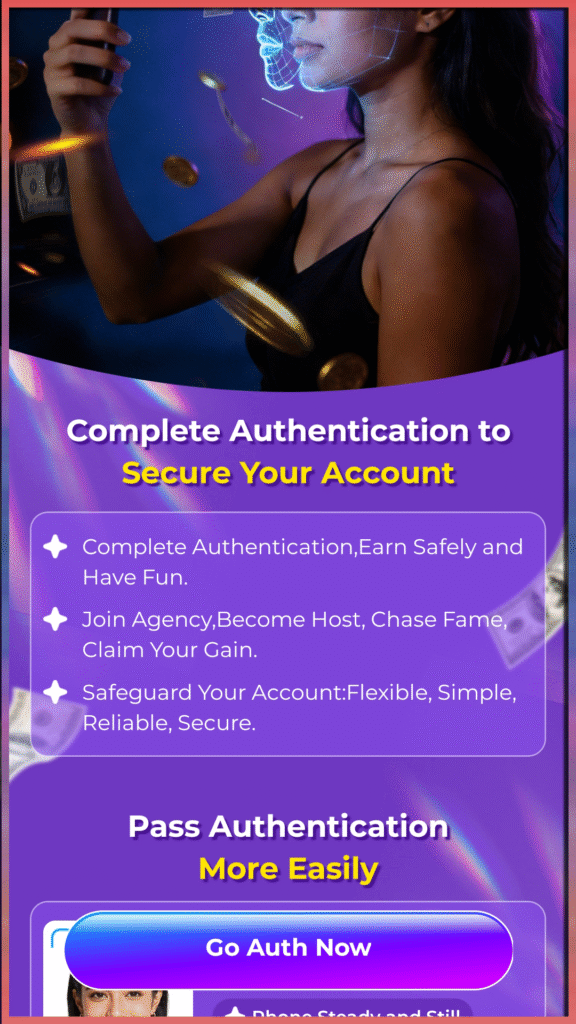
Step 4: Access Your Agency Invitation Link
Once your account is set up, open the agency invitation link provided here. This will bring you to the invitation form where you can review the agency details and submit your join request. If you don’t see the invitation right away, check your message tab for a message from ‘System Messages’.
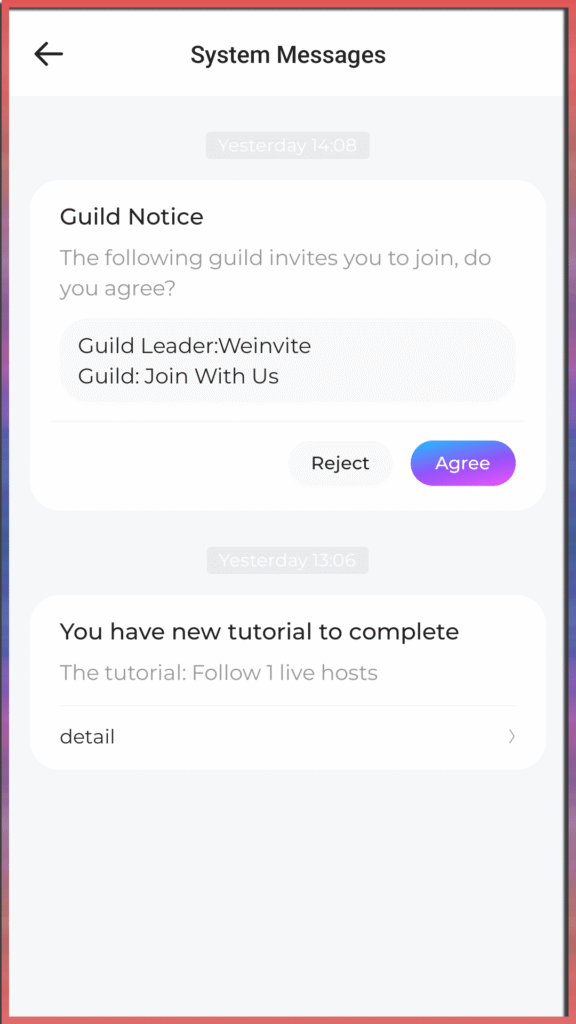
Step 5: Confirm the Agency Invitation
Finally, accept the invitation to officially join the agency!
BoloUp Agency Registration: Common Questions Answered
What do BoloUp agents earn?
Agent income is directly linked to your effort. You can earn through multiple channels: commissions on gifts, a percentage of your hosts’ earnings, and revenue generated by any sub-agents working under you.
Can one person manage multiple agencies?
No—each user is limited to owning and operating a single agency on the platform.
What if I entered the wrong username?
No issue there. Your username can be updated anytime from your profile settings after registration.
What if I selected the wrong gender or country?
These details cannot be changed after your account is created. If an error was made in either field, you’ll need to register again using a new account with the correct information.
Is it possible for a host to switch agencies?
Yes, but the process isn’t instant. The host must first formally request to leave their current agency and receive approval before they can be invited to join a new one.
Can agents also broadcast live on BoloUp?
Yes—live streaming isn’t limited to hosts. All agents with access to the app’s streaming features can go live once they meet the required level. Check the app for details on the level requirement.
Begin Your BoloUp Agent Journey Today
Setting up your BoloUp agent account is a straightforward process. Once you’ve completed the steps above, you’re officially registered and ready to explore everything the platform offers—from mastering the host-agent dynamic to unlocking all the ways you can build your income as an agent. Still have questions? Our support team is always ready to help. Reach out anytime and check out our blog for more tips, guides, and tutorials along the way.